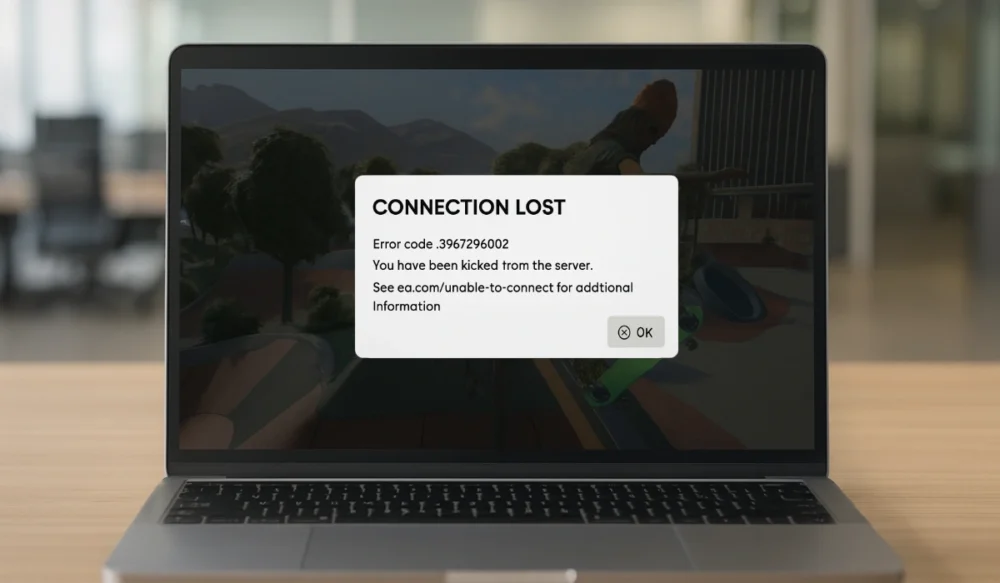
It’s always irritating when you try to play Skate and the game throws up an Error Code 3967269002. The screen suddenly stops, the game won’t load, and you can’t connect to the game server. When this happens, something is blocking your connection to EA servers or the game files needed to start fully. This guide explains what the error means, why it occurs, how to fix it, and how to prevent it from happening again.
What Is Skate Error Code 3967269002?
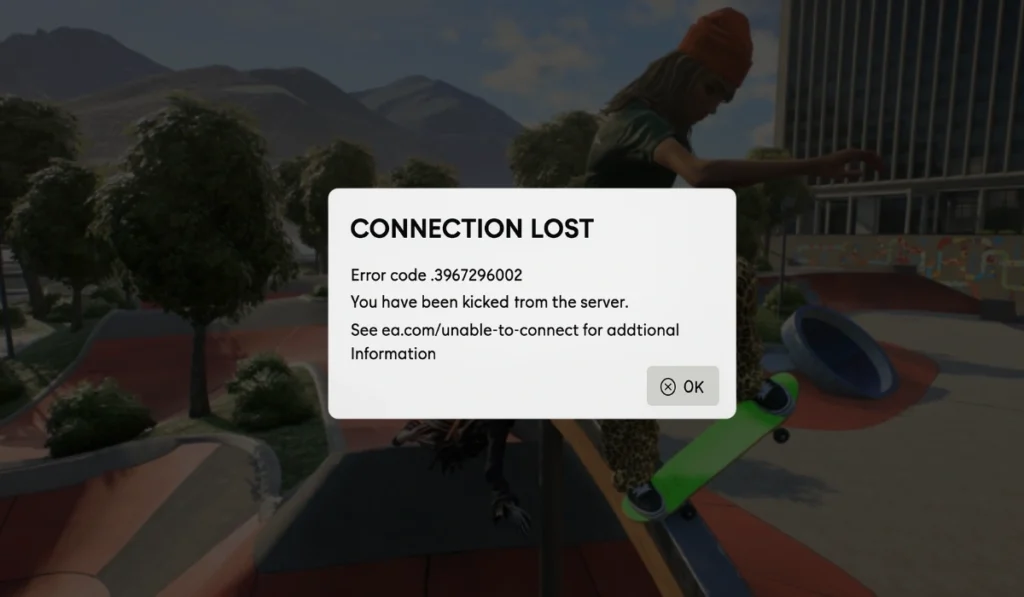
Skate Error Code 3967269002 usually means the game failed to connect to EA servers or load important login data. The error can show up when the game tries to check your EA account, sync saved data, or verify your session.
You can see this error on PC, PlayStation, or Xbox. It appears while logging in, during matchmaking, when switching networks, or sometimes right at the loading screen. The problem can be caused by the EA App, Steam, the console firmware, or something on your network.
Common Causes of Skate Error Code 3967269002
This error can occur for various reasons, depending on your device or network. These are the most common causes you should check.
- EA servers are down or under maintenance
- Weak or unstable Wi Fi or hotspot
- Corrupted Skate cache files
- Expired login session or account sync issues
- Outdated EA App, Steam client, or console firmware
- DNS or router blocking server traffic
- VPN, proxy, or firewall interference
How To Fix Skate Error Code 3967269002?
Fixes depend on your device and network, but most players solve the error with the steps below. Each fix targets a different cause. Try them one at a time until the game loads normally.
Fix 1: Check EA Server Status
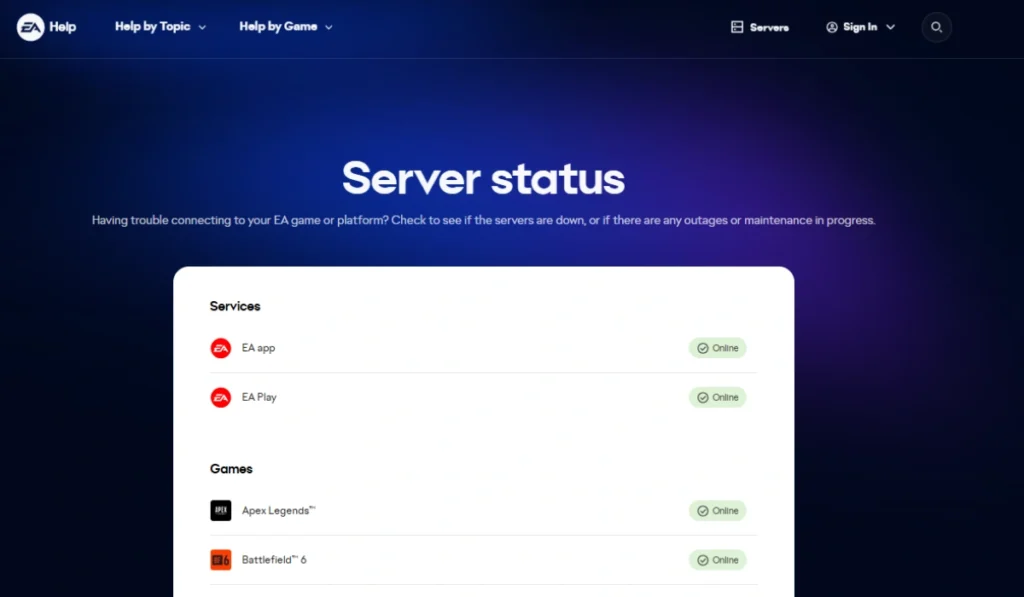
Sometimes the problem is not on your side. When EA servers go down, the game cannot verify your login or sync your account. This leads to Error Code 3967269002. If servers are down, nothing will load until EA brings them back.
Check the EA server status pages or community channels to see if there is an outage.
Fix 2: Restart the Game
A simple restart clears temporary login tokens and refreshes your session with EA servers. It sounds small, but it works because the game requests a fresh connection when it opens again. Close the Skate fully, wait a moment, then relaunch it.
Fix 3: Restart Your PC or Console

Your device might be holding onto insufficient network data. Restarting your IP connection clears blocked sessions that cause login issues.
Please turn off your PC or console completely, then turn it back on and try Skate again.
Fix 4: Log Out and Log Back Into Your EA Account
Your EA login token may have expired or be corrupted. Logging out forces the system to request a new one, which resolves many connection issues.
Follow the steps below to refresh your EA login.
- Open the EA App or your console account settings.
- Log out of your EA account.
- Close the launcher.
- Open it again.
- Log back in.
- Start Skate.
Fix 5: Power Cycle Your Router

Your router might block the connection to EA servers. A quick reboot clears DNS issues, routing problems, and IP conflicts that prevent the game from loading.
Here are the following steps that help you reset your router.
- Unplug the router.
- Wait 10 seconds.
- Plug it back in.
- Let it reconnect.
- Try the game again.
Fix 6: Test a Different Network
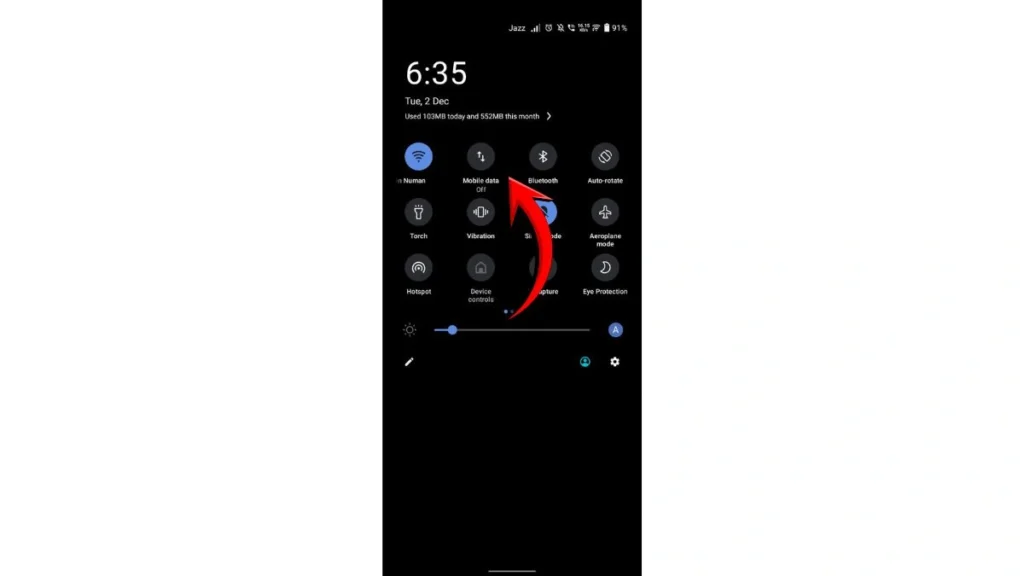
Sometimes your ISP blocks traffic to EA servers. Switching networks shows whether the problem is your Wi-Fi or your provider.
Try these simple steps to test another connection quickly.
- Turn off Wi Fi.
- Turn on the mobile hotspot.
- Launch Skate to see if it loads.
- If it works, the problem is your leading network.
Fix 7: Disable VPN or Proxy

VPNs and proxies can reroute your signal through regions that EA servers reject. This causes instant login failure. Turn off your VPN or proxy, refresh your network, and try the game again.
Fix 8: Clear Skate Game Cache
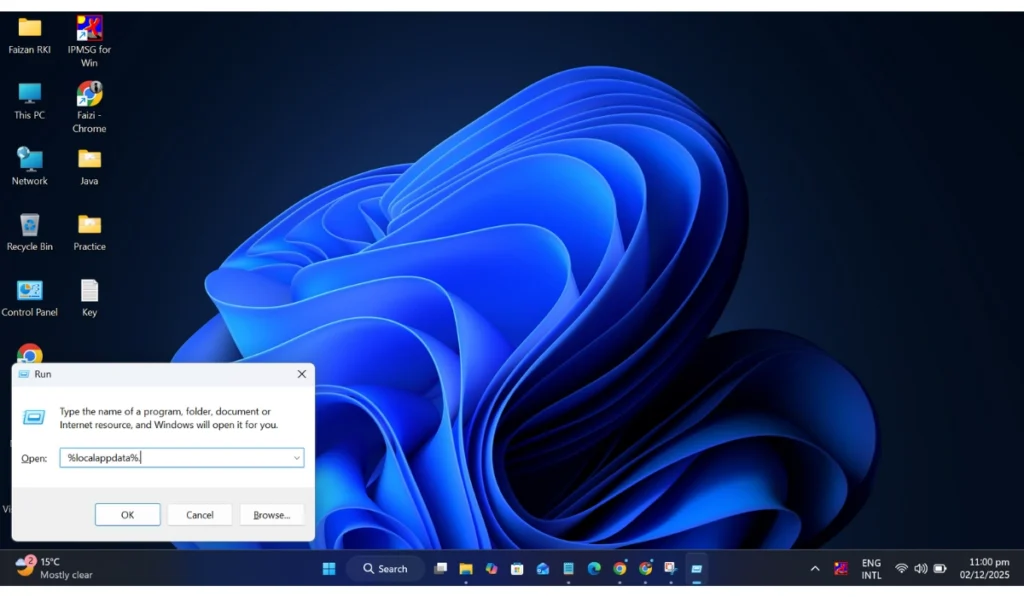
Corrupted cache files confuse the game during login. Removing them forces Skate to rebuild clean data, which often fixes Load Error 3967269002.
Below are the steps to clear the cache on a PC.
- Press Windows + R.
- Type %localappdata%.
- Open the Skate folder.
- Delete the cache or temp folders.
- Restart the game.
Console players can clear the cache by turning the console off, unplugging it for 30 seconds, and plugging it back in.
Fix 9: Verify Game Files on PC
Missing or damaged files block the game from loading. Verifying repairs those files and gives the game the data it needs.
Here’s how you can verify files in just a few seconds.
- Open Steam or the EA App.
- Go to your Library.
- Right-click Skate.
- Select Properties.
- Tap Verify or Repair.
- Try the game again after the scan finishes.
Fix 10: Update Console Firmware or PC Drivers
Old firmware or outdated GPU drivers can cause game connections to break. Updating your system removes bugs that cause loading errors.
Update your console firmware or install the newest NVIDIA, AMD, or Intel drivers on PC.
Fix 11: Disable Firewall or Add Exceptions
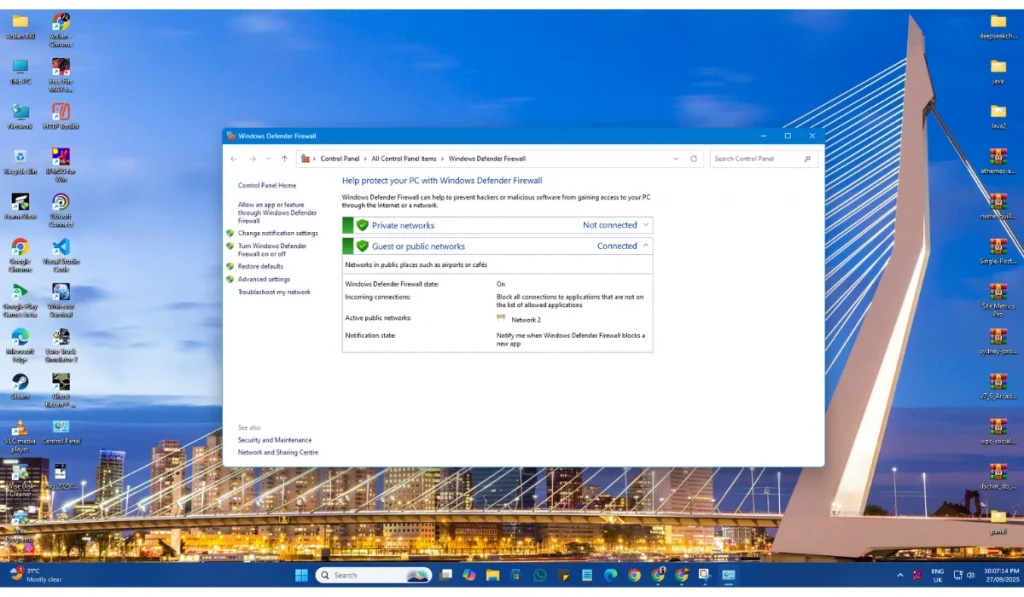
Your Firewall might block Skate, Steam, or the EA App when they try to reach EA servers. When this happens, the game cannot load the required data and throws an error.
Follow the steps below carefully to add exceptions.
- Open Windows Security.
- Tap Firewall and network protection.
- Select Allow an app through Firewall.
- Add Skate, Steam, or the EA App.
- Restart your PC.
Fix 12: Reinstall Skate
If nothing else works, your game installation might be too damaged to fix. A clean reinstall replaces every file.
These are the exact steps you need to follow to reinstall Skate successfully.
- Open Steam or the EA App.
- Uninstall Skate.
- Restart your device.
- Install the game again.
- Launch it and check if the error is gone.
Prevention Tips To Avoid Stake Game Errors in the Future
Simple habits help keep Skate running smoothly. Try these given tips regularly:
- Keep the game updated
- Restart your router once a week
- Use stable Wi Fi, not weak hotspots
- Keep enough free space for save files
- Avoid VPNs while playing
- Update your console or PC often
- Log out and log back in after major updates
Conclusion
Skate Error Code 3967269002 usually means the game can’t talk to EA servers or load important login data. It often stems from server outages, poor network connectivity, corrupted cache, or outdated system files. Most players fix it by restarting the game, resetting their network settings, verifying their files, or updating their system.
Try the fixes one by one. If the error keeps showing up, contact EA Support for more help. And if this guide helped you, share it or drop a comment so others can fix the same problem.